
Restore Old Photos with AI (and Colourise)
Bring faded, blurry family photos back to life: sharper faces, enhanced detail, optional colour. First one free.
In plain words: Scan or photograph an old print and drop it here. AI reconstructs faces, sharpens and enlarges the whole photo 2×, and can colourise black & white pictures. Your first restore is free, then 5p (+3p to colourise). It sharpens and repairs blur, but deep scratches or torn corners may still show.
Have a recovery code?
What you get
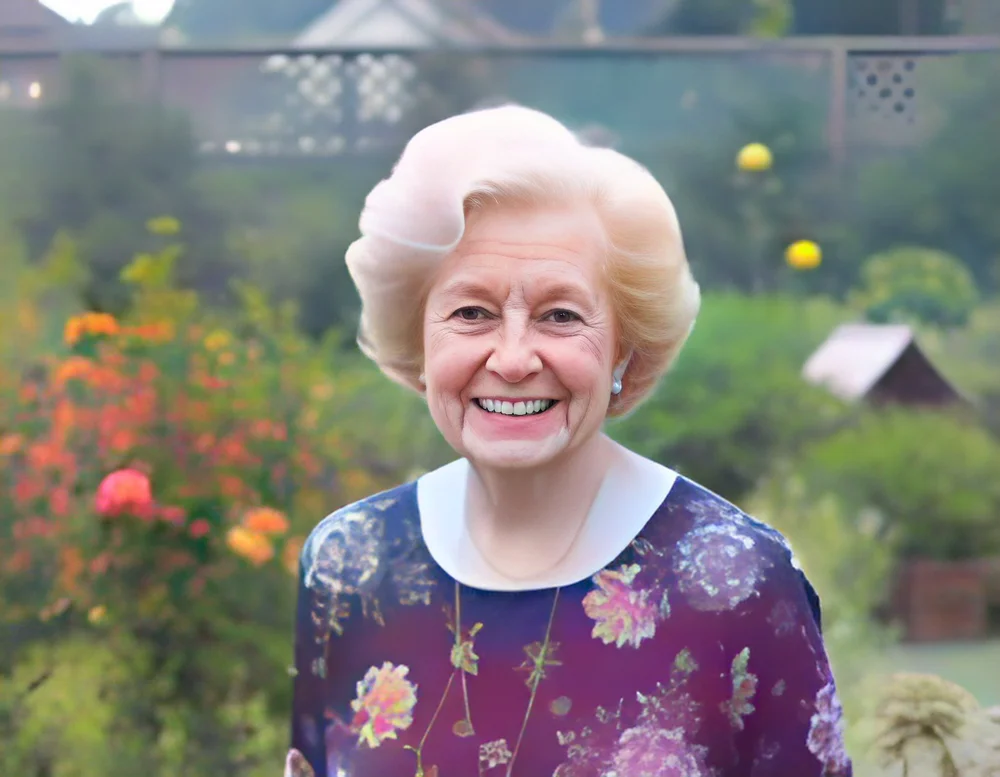
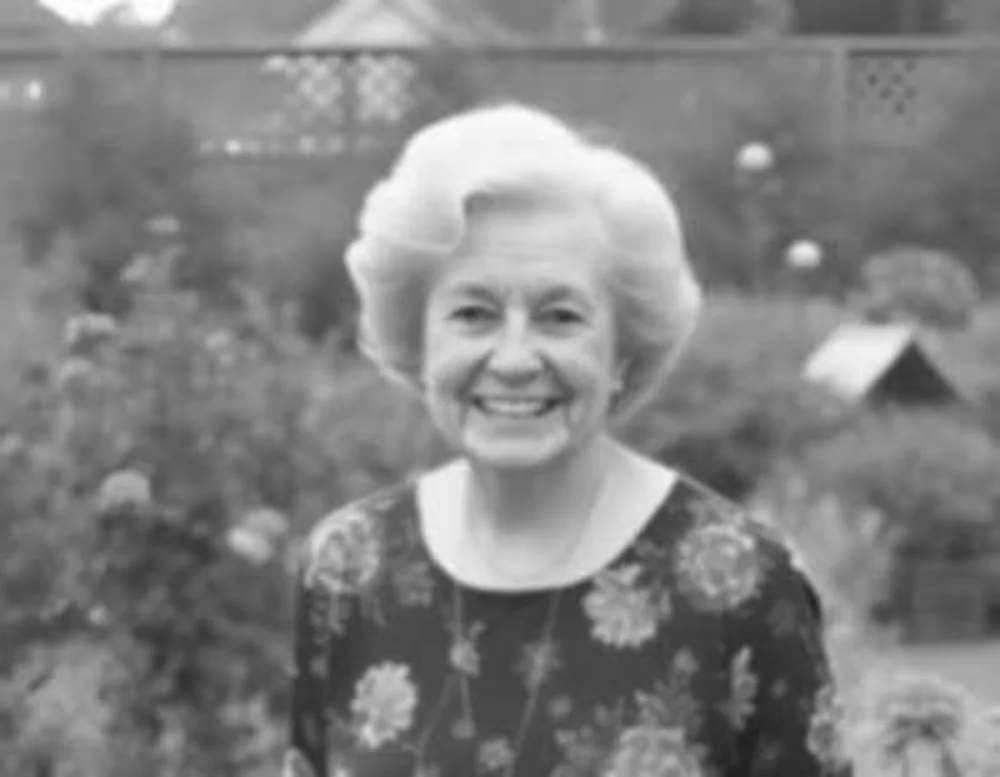
Starting…
How to Use Restore Old Photos with AI (and Colourise)
- Scan the old photo, or take a straight, well-lit picture of it with your phone (no glare).
- Drop it here. Tick "Colourise" for a black & white photo.
- Press Restore, drag the line to compare before and after, and download.
Give old family photos a second life
Shoeboxes of faded, soft, low-resolution prints from the 1950s to the 1990s are perfect for this: milestone birthdays, anniversaries, family trees, memorials. WeShoal chains two well-known open AI models. CodeFormer rebuilds facial detail and enhances the whole picture while enlarging it 2×. DDColor adds realistic colour to black & white photos.
Tips for the best results
- Scan at 300–600 DPI if you can. With a phone, shoot straight on in daylight without flash glare.
- Crop out the album page or frame first, using our image resizer.
- Leave "Keep faces faithful" on for family photos. Turning it off gives a stronger but less faithful repair.
What it can and can't do
It's excellent at blur, fading, noise and small faces. Deep scratches, creases, missing pieces and heavy stains may still be visible, and colourisation is the AI's best guess at the original colours, not a record of them.
How the pricing works (no subscription)
These tools run on powerful cloud GPUs through Replicate, which charges per use. Instead of a monthly subscription, WeShoal uses pay-as-you-go credit. Add £3 or more once by Apple Pay, Google Pay or card. There's no account and no registration. Stripe, our payment processor, asks for an email only to send your payment receipt, and we never use it for marketing. Your first go on each AI tool is free, with no payment and no email. Each run costs a small fixed amount shown on the button before you start. The price covers the GPU cost plus a small margin that keeps the free tools free.
- You're only charged if it works. If a run fails, the credit goes straight back.
- Your credit lives in this browser. You also get a recovery code so you can use it on another device or after clearing your browser.
- Privacy: your file is uploaded only to run the AI. Temporary copies are deleted automatically within about a day, and results are kept for about an hour.